Export Display with Docker
Purpose for this guideline
This document describes the process for exporting a display from a Linux-based Docker container.
Dockerfile
The following is a very simple Dockerifle to set up a simple test. It installs Firefox onto an Ubuntu image:
FROM ubuntu:latest
RUN apt-get update && apt-get install -y firefox
CMD ["/usr/bin/firefox"]
Build the image
To build the image, run the following docker image command from the directory that includes the Dockerfile:
docker image build -t export_display_test .
Run the container
To run the container:
docker run -it --rm -e DISPLAY=${DISPLAY} -v /tmp/.X11-unix:/tmp/.X11-unix export_display_test
Result
A window should pop-up that may look like the following (it probably changes periodically, but you get the idea):
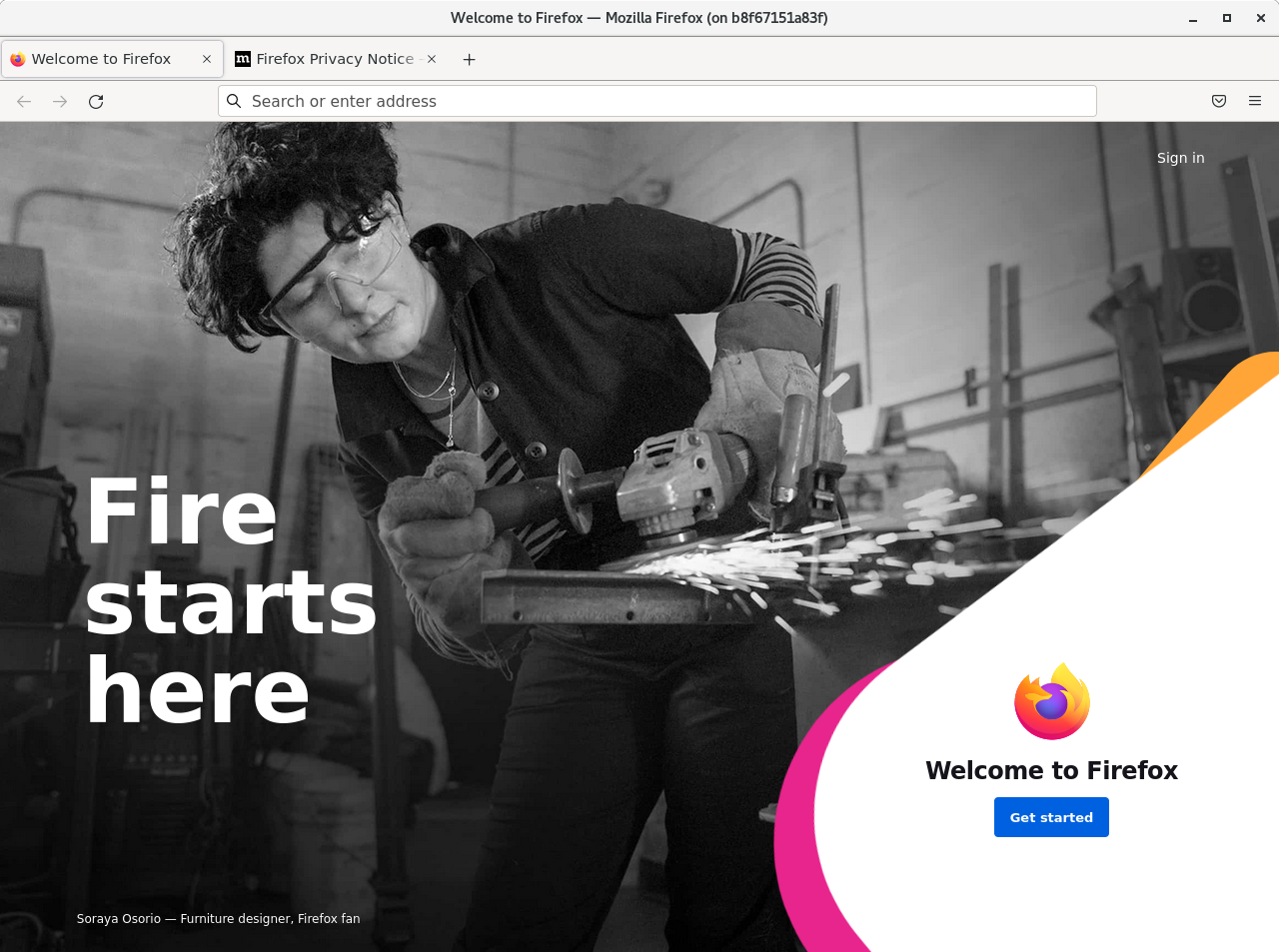
If the instructions above don’t work, try setting the network type to host.
Explanation
The -e argument simply sets the DISPLAY variable in the container to that of the host machine. The bind mount (-v
argument) allows the container access to the host machine X socket.
Useful Links
Credit: Content taken from a Confluence guide written by Steven Mueller